You want to start by getting the monthly numbers straight
Salary, recurring rent, groceries, savings goals — one clean monthly table instead of a hundred receipts.
Bank accounts, stocks, and crypto — all in one view. Your data lives in your Google Sheets, never on our servers.
100% free · Forever · No credit card
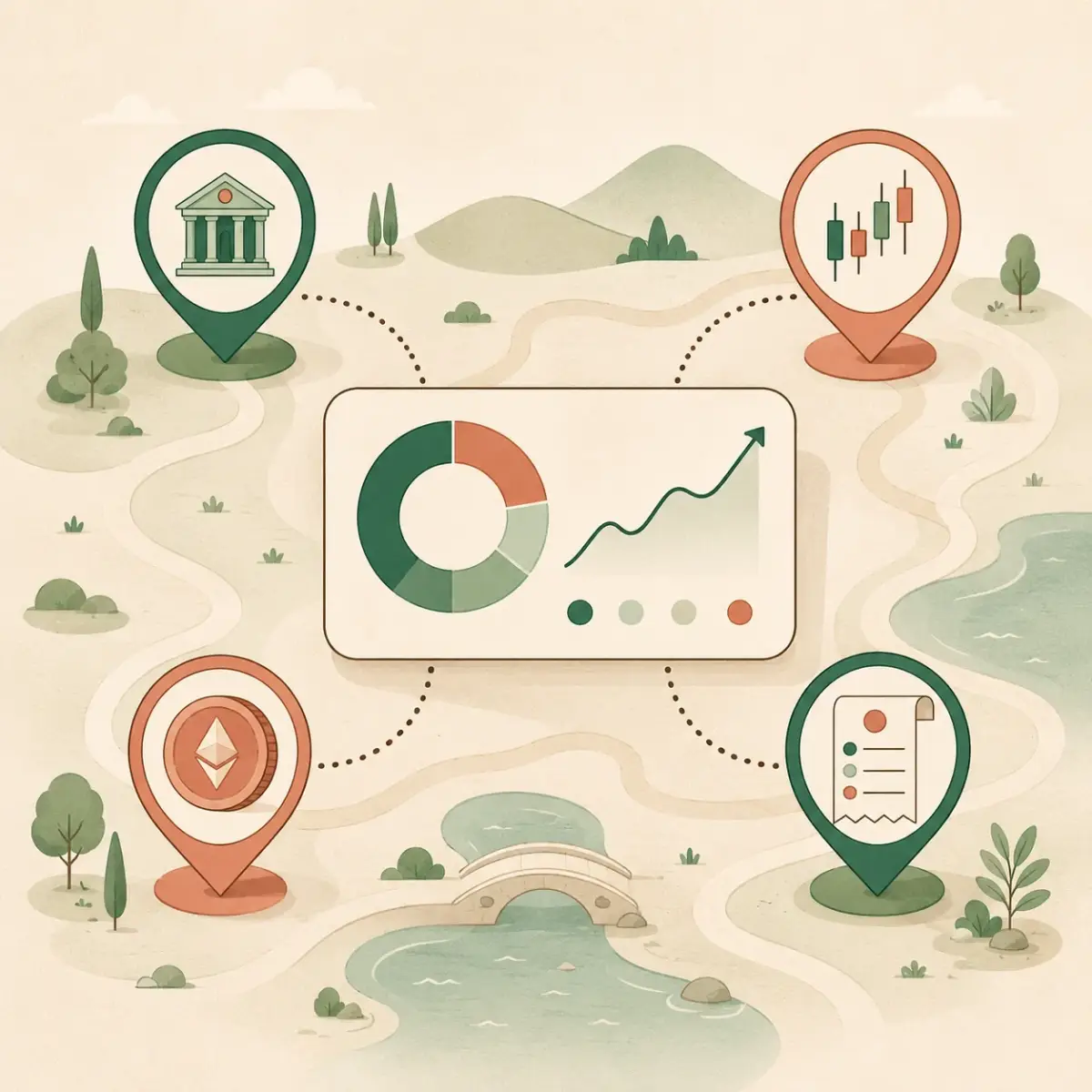
Bank balances, stocks, crypto, and monthly budget in the same place. Your data never leaves your own Google Sheets — the interface just helps you see it clearly.
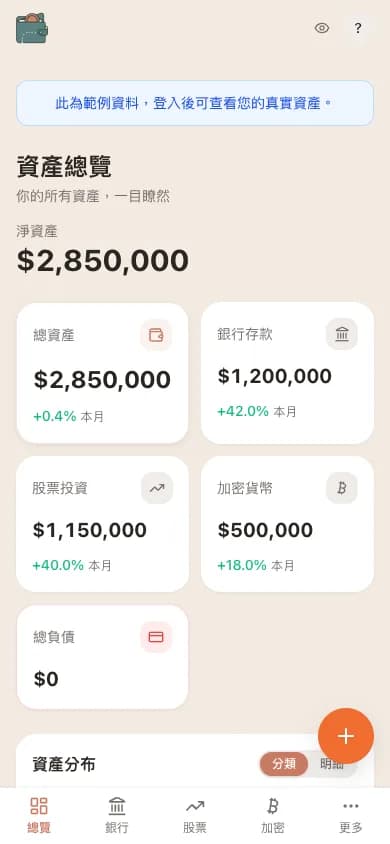
Overview: net worth, category balances, and recent activity at a glance (demo data)
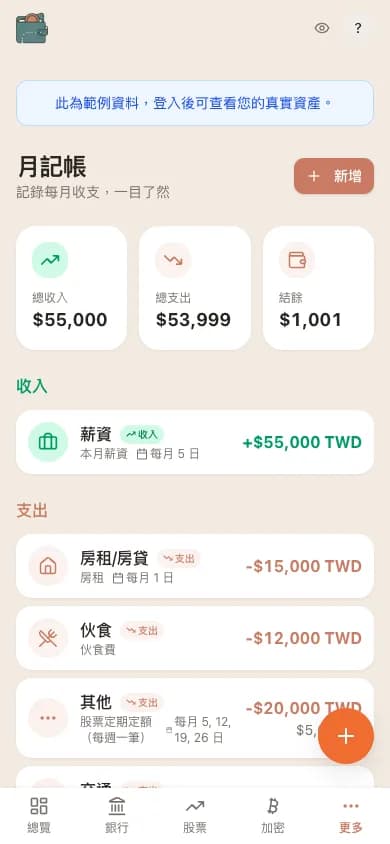
Salary, rent, commute, groceries — recurring items auto-fill so you always know what’s left over.
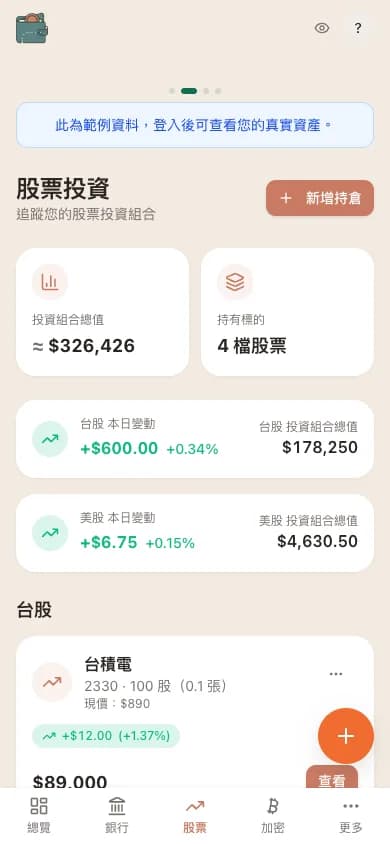
TSMC, 0050, Apple, NVIDIA in one view. Daily change and portfolio value refresh automatically.
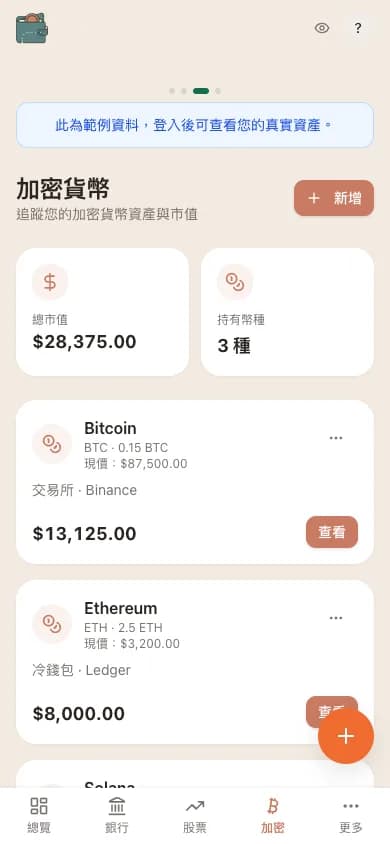
BTC, ETH, SOL — cold wallets and exchange balances in the same list, live market value included.
Simple, secure, and comprehensive asset management
From your first month of budgeting to tracking a full multi-asset portfolio.
Salary, recurring rent, groceries, savings goals — one clean monthly table instead of a hundred receipts.
TSMC, 0050, Apple, NVIDIA in one view. Daily change refreshes automatically — no more switching broker apps.
Binance, Ledger, MAX — every wallet's position and market value tracked separately, summed into one net worth.
Every financial number stays in your own Google Sheets. Our servers never hold a copy.
WalletMap never stores your financial data. Your account info, portfolio, and transaction records all live in your own Google Sheets — only you can access them. Our server only handles authentication and price quotes, never your sensitive data.
One click to sign in — WalletMap automatically creates a dedicated spreadsheet in your Google Drive.
Enter your bank accounts, stock positions, and crypto info in your Google Sheets.
Use charts and reports to understand your overall asset allocation and trends.
No subscription. No Premium gate. No upsell. Every feature is open to every user.
No sign-up needed. The calculations run in your browser. FIRE inputs stay in a shareable URL, which is sent to WalletMap's server when opened.
Whether you're brand new to tracking money or ready to build a full allocation plan, start here.
Set up in five minutes and see your first full asset overview.
Read the guide →How it worksUnderstand how WalletMap reads your spreadsheet and what you can do directly in Sheets.
Read the guide →PracticalFrom adding your first holding to reading daily change and unrealized P/L.
Read the guide →StrategyWhy diversify? Use the WalletMap donut chart to see your real mix at a glance.
Read the guide →Budgeting, investing, and privacy — all written for people who want to stay in control of their own money.
See what saving NT$1,000 or NT$3,000 a month can become over four years and beyond, then build a realistic student plan for emergency cash, spending, and long-term investing.
Read the article →Understand what stocks and bonds actually do, see the trade-off between return and volatility with clear assumptions, and learn how to choose and rebalance a mix.
Read the article →How many months should your emergency fund cover? Learn to size it from essential expenses (not salary), see who needs 3, 6, or 12 months, and where to actually keep it.
Read the article →Free to use — your data, your rules.