A Practical Guide to Personal Finance Privacy
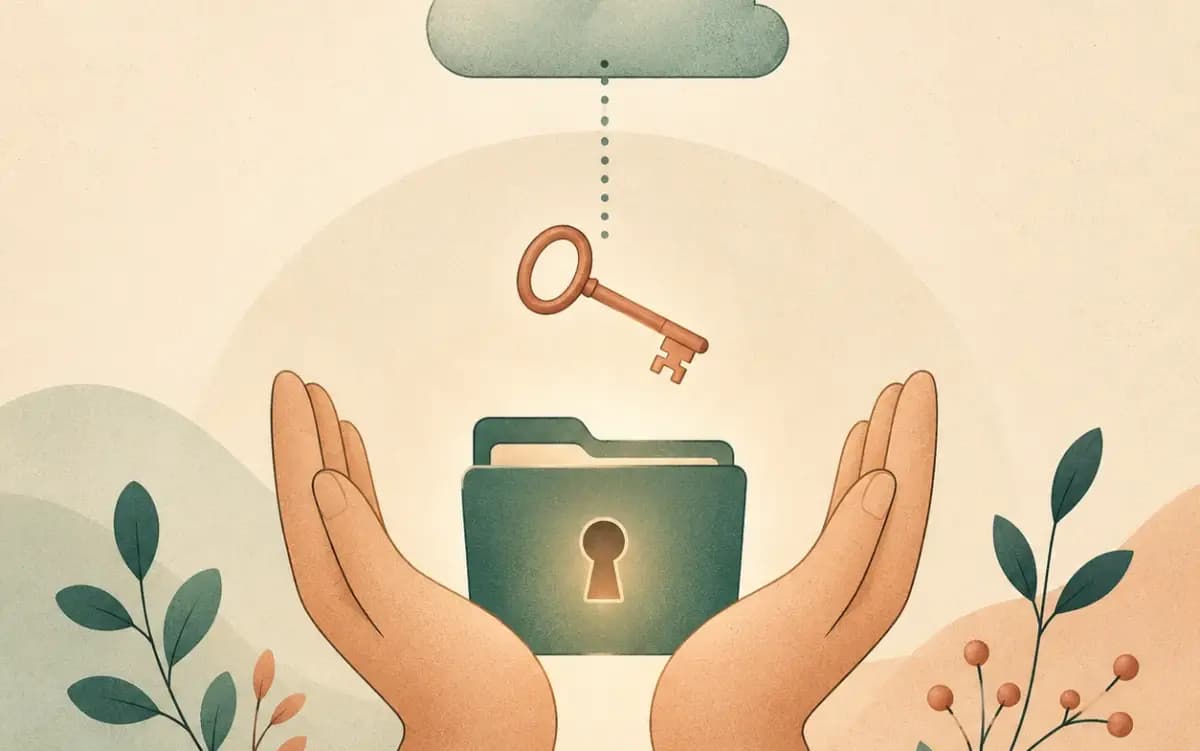
Why Financial Privacy Is Worth Caring About
Your financial information is probably one of the most sensitive data points you carry. It says where you spend, how much you earn, what you invest in, what you're worth. And yet most of us hand it to dozens of apps and services without really thinking about it.
This isn't about hiding stuff. It's about deciding who gets to see your money — and what they get to do with it.
Breaches in financial services are a real, recurring thing. When they happen, account numbers, transaction histories, and personal identifiers can spill out together. Being a little thoughtful about where your data lives is just sensible self-defense.
The Hidden Cost of "Free" Finance Apps
Plenty of popular finance apps are free. But if you're not paying, you're the product. Here's how that usually plays out:
If you want a concrete example of how collection, use, and sharing are described, the Google Privacy Policy is a useful one to read alongside any finance app's policy.
Data aggregation and resale. Apps that connect to your bank through aggregators like Plaid or Yodlee can typically pull one to two years of transaction history (Plaid caps out around 24 months, Yodlee around 12, and the default is often just 90 days — the actual window depends on your bank). That's already enough to paint a detailed picture of how you spend, how much you make, and how you live. Some aggregators use anonymized versions for research or share it with partners — read the privacy policy before you assume otherwise.
Targeted ads. Your financial profile is gold for ad targeting. If an app knows you have a fat savings balance, you'll see ads for investment products. If it knows you're carrying credit card debt, you'll see balance transfer offers. Your financial weak spots become someone's marketing opportunity.
Lead generation. Some apps make money recommending credit cards, loans, or investment accounts based on your profile. The recommendations are sometimes useful, but they're driven by referral fees, not your best interest.
Real Risks of Putting Your Data With Third Parties
Beyond monetization, there are concrete security risks to consider.
Data breaches can happen to even the most security-focused fintech. The catch: you can change a password, but you can't reset your transaction history.
Account-linking vulnerabilities are another. The moment you give an app credentials or OAuth tokens to your bank, you've added an attack vector. If the app gets compromised, attackers may have a path to your actual bank accounts. In Taiwan, the Financial Supervisory Commission is another place to check for consumer and financial-service security information.
Companies fail or get acquired. When that happens, your data is technically handled per the privacy policy, but transitions get messy. Data portability — being able to walk your data out — is worth weighing when you pick tools.
Insider risk exists everywhere. Reputable companies put real access controls and audit logs in place, but as a general principle, the fewer places your sensitive data lives, the smaller the surface area. That's not a knock on any specific company — it's just how data security works.
How Zero-Storage Architecture Changes Things
Zero-storage architecture is about where the source data lives and what role the server plays. The user's data remains in their own cloud, while the server acts as an intermediary that reads, organizes, and returns what the dashboard needs instead of becoming the long-term store for the full financial record. Tools like WalletMap are one example of using a spreadsheet as the source of truth while the service handles the intermediary and presentation layers.
In practice:
- The user's data stays in their own Google Sheets, bank portal, or existing storage
- The app reads the required data when the dashboard is opened, within the granted permissions
- The server passes along, organizes, and returns the result rather than taking ownership of the data
- The service does not create a long-term copy of the complete financial numbers after the session
This division can reduce the risks that come with a centralized database, but it isn't risk-free. You still need to check permissions, connection security, and the service's privacy policy.
Things You Can Actually Do This Week
Beyond picking privacy-respecting tools, here are concrete steps:
Audit your connected apps. Open your bank and brokerage accounts and look at what third-party apps have access. Most banks now show this in security settings. Revoke anything you don't actively use.
Stop sharing credentials when you don't have to. Every time you give an app your bank login, you're widening the attack surface. Ask yourself if the app actually needs that direct connection or if there's a way around it.
Strong, unique passwords. Plus 2FA. This is basic stuff, but worth repeating. Every financial account gets its own strong password through a password manager. Turn on the two-factor authentication recommended in Google's account security tips everywhere it's offered.
Be skeptical of free finance tools. When something is free, find out how it makes money. Read the privacy policy — specifically the parts on data sharing and third-party access. If the business model is murky, your data is the product.
Keep sensitive data local where you can. Estate documents, tax planning, full net-worth calculations — these are better off in your own storage or your own cloud account than in a third-party app.
Review your data footprint once a year. List the companies that hold your financial data. Close accounts you no longer use. Request data deletion where you can. Fewer companies, smaller surface.
The Spreadsheet Advantage
Tracking finances in a spreadsheet might feel old-school, but from a privacy angle it holds up surprisingly well:
- Single point of control: your data lives in one place that you actually manage
- No credential sharing: you don't have to hand your bank login to anyone
- Transparent storage: you can see exactly what data exists and where
- Easy deletion: deleting your data is just deleting a file
- No hidden copies: unlike apps that might cache or back up your data, a spreadsheet is what it is
The tradeoff is convenience. Manual upkeep takes discipline. If you need it, you can add an automation or visualization tool while keeping the spreadsheet as the source of truth.
Reading a Privacy Policy: What to Look For
If you do use a finance app, these are the sections worth your attention:
What data is collected? Transaction history? Balances? Investment positions? More collected means more exposed in a breach.
How long is it kept? Some companies hold onto data for years after you close the account. Look for clear deletion timelines and the option to request immediate deletion.
Who else gets it? Partners, affiliates, data brokers? This is often buried under vague phrases like "trusted partners" or "service providers." Broad sharing means your data ends up in places you'd never expect.
What about security? Look for encryption at rest and in transit, regular audits, SOC 2 compliance. Be wary of companies that say nothing concrete about how they protect data.
Putting It Together
A privacy-first approach to personal finance doesn't mean ditching technology. It means being intentional about which tools you use and how much you share. A practical framework:
- Track assets in tools you control — Google Sheets, a local spreadsheet, or a privacy-focused app
- Use automation that doesn't require storing your data — read on demand, don't copy
- Keep account connections to a minimum
- Audit your data footprint regularly
- Pick tools with transparent business models — when you're the customer, your interests line up
Financial privacy is a personal call, and there's no single right answer. Some people are happy with the convenience of centralized apps and the security they provide. Others prefer to keep their data closer to home. What matters is making the choice with your eyes open.
For any approach — a centralized app, a spreadsheet, or an automated service — the checklist above gives you a practical way to compare where data lives, who can access it, how long it is kept, and whether you can take it with you when you leave.